
Context
The Challenge: Envisioning seamless driver journeys through UWB-powered personalization.
In SI 594: Automotive User Experience, in collaboration with GM, I explored how Ultra Wideband (UWB) technology could create more seamless and personalized vehicle experiences, both inside and outside the car, through user-centered research and scenario-based design.
Target Audience
Buick attracts the modern, young professional who wants an entry-level luxury vehicle.
Emphasize Quiet Luxury
Deliver concise, high-relevance content summaries that fit within clinical time constraints.
Health & Wellness
Health and wellness is central to the brand, emphasizing calm, comfort, and simple tech that reduces stress.
Promote Wellness-Driven Features
Surface clear indicators of trustworthiness like journal type, study size, and peer-review status.
In-Car Commerce
GM's previous Marketplace failed due to too many steps and a cumbersome experience.
Simplify Transaction Flows
Drivers want fast, simple, and context-aware transactions.
Convenience is Key
Drivers expect things to be effortless. They want actions to be timely, relevant, and tailored to their needs.
Deliver Contextual Automation
Offer AI search features with adjustable levels of automation to accommodate different comfort levels.
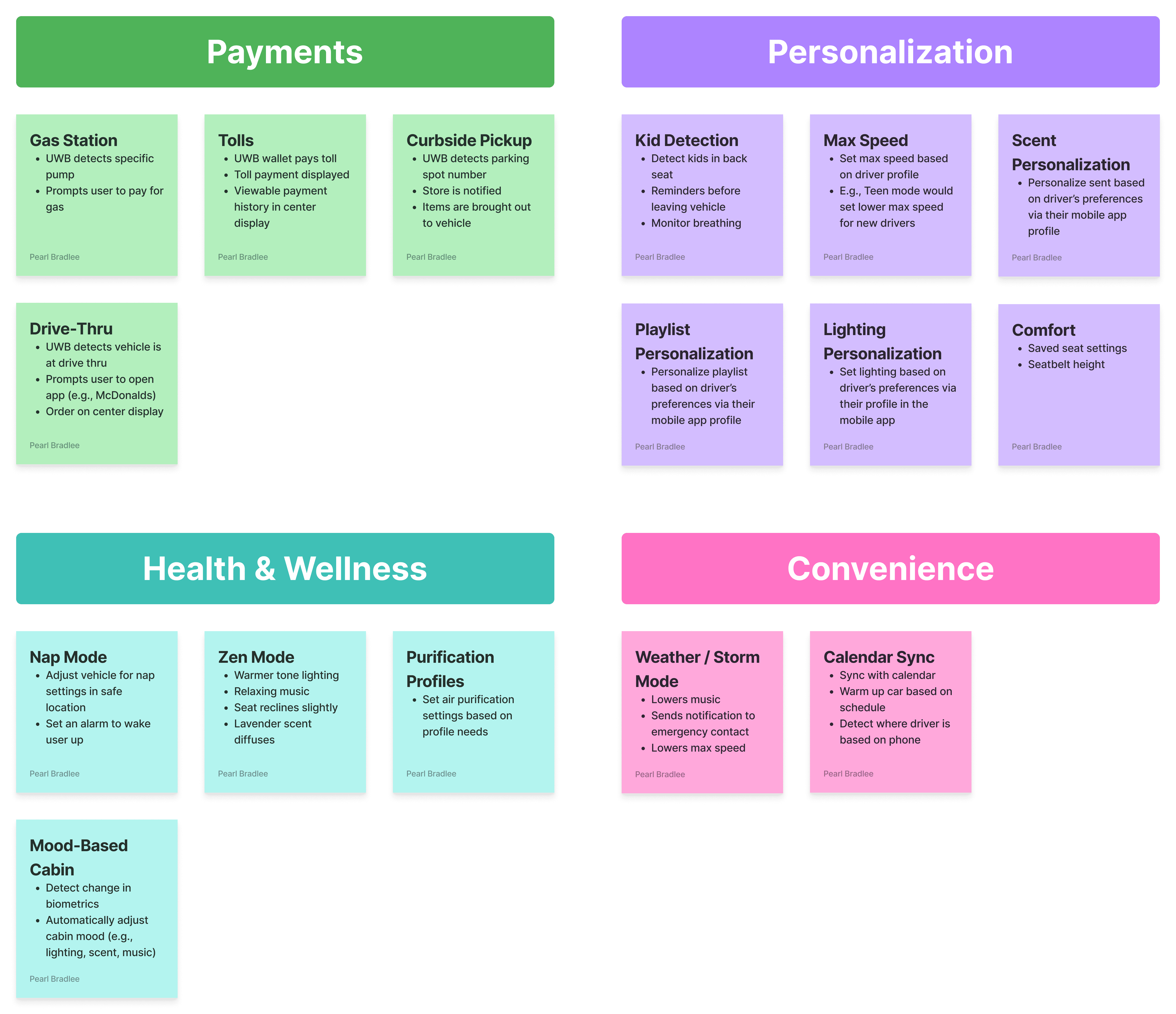
We decided on a UWB-powered experience that streamlines in-car payments and introduces health and wellness-aware features.
After consulting with the GM design team, we focused on features tailored to the young professional driver. We chose to prioritize an in-car payments system that streamlines transactions at gas stations, drive-thrus, and curbside pickup, supporting a busy, on-the-go lifestyle.
To reflect Buick’s focus on health and wellness, we also introduced a feature called Purification Profiles. This system provides personalized air quality settings based on each driver’s individual preferences and health needs.
Initial explorations
With this direction, I started creating low-fidelity sketches to visualize key interactions and layout ideas, focusing on the driver display and UWB payments feature.

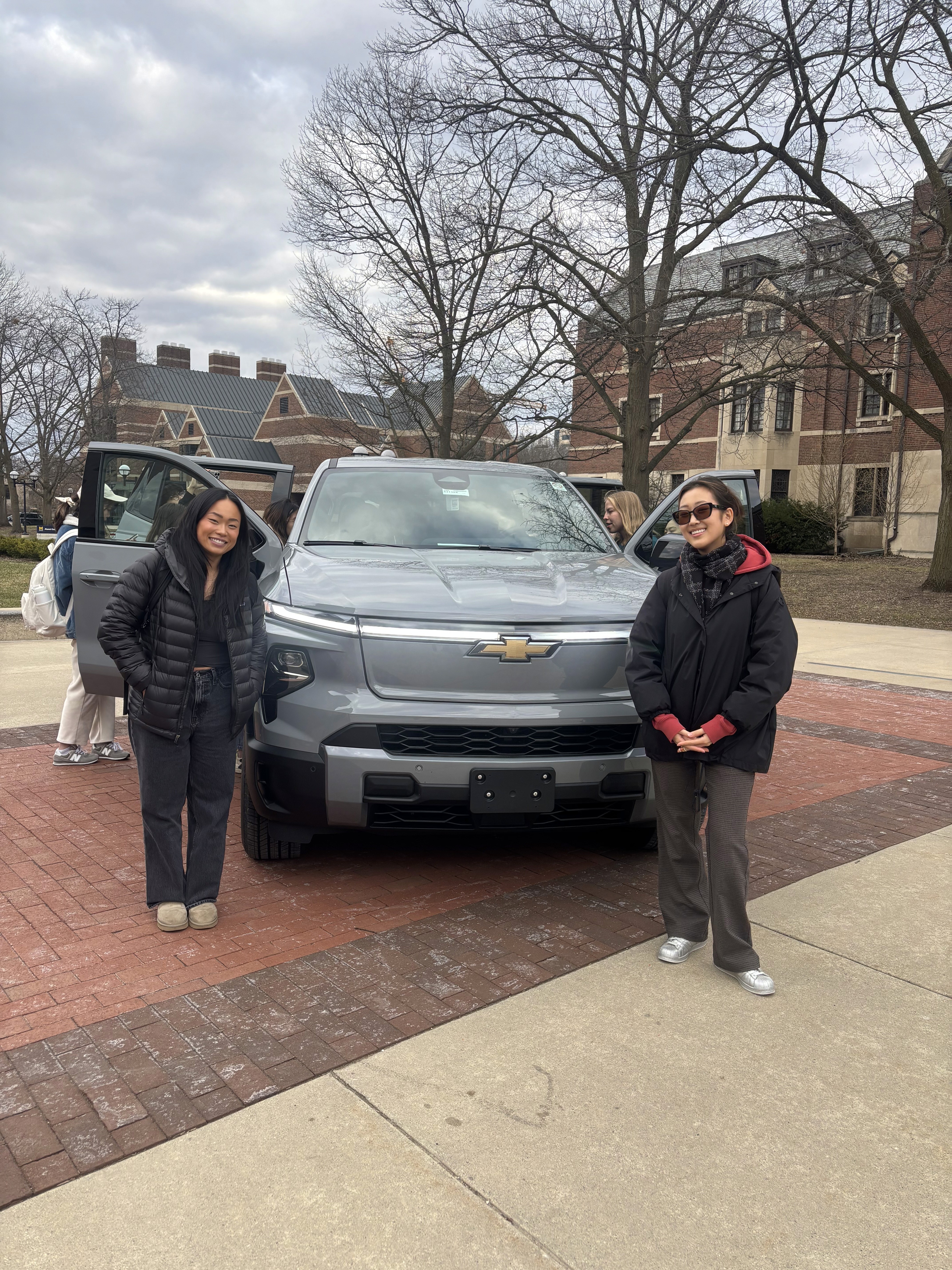
Exploring GM Vehicles – Informed how the digital interface fits into the physical experience.
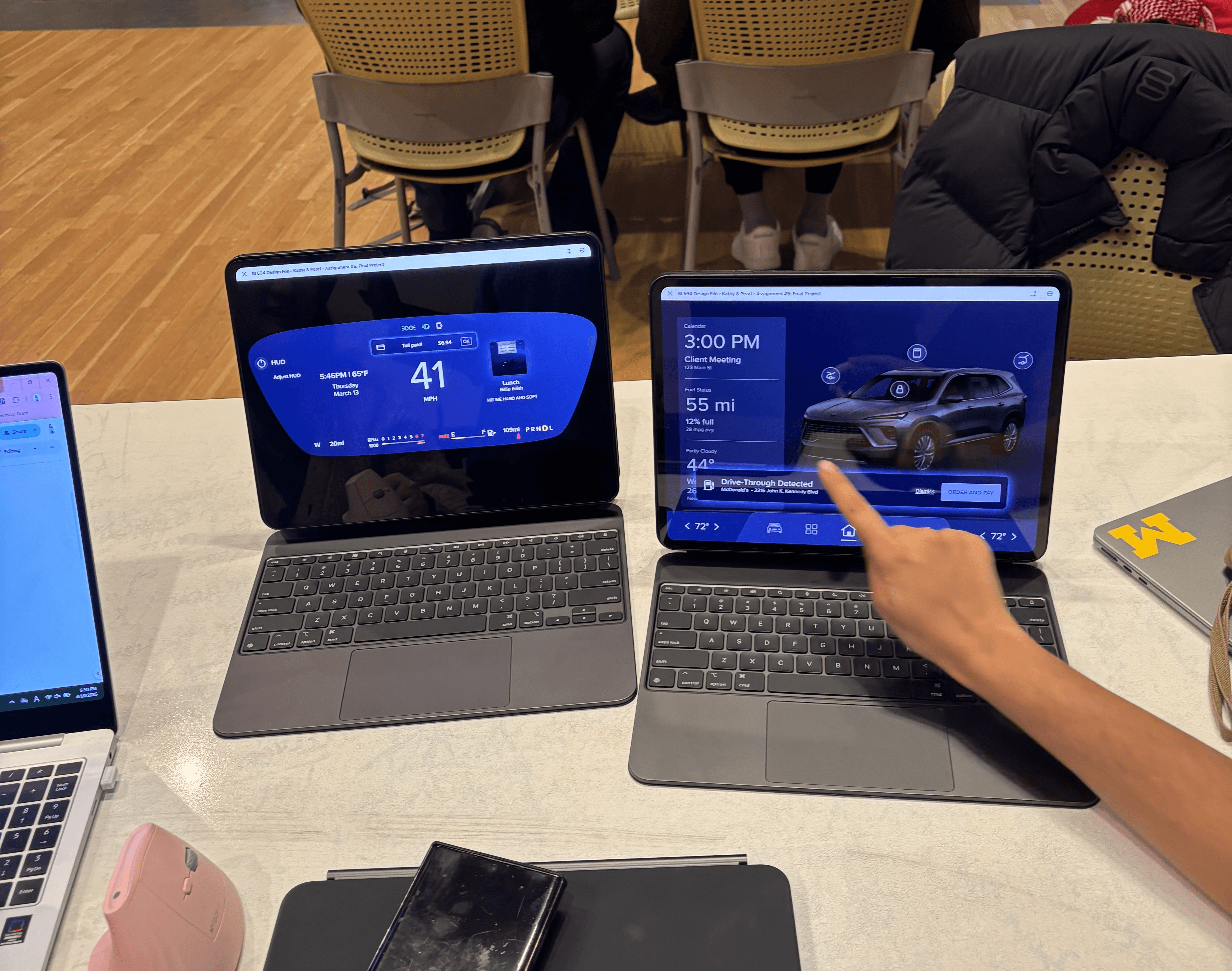
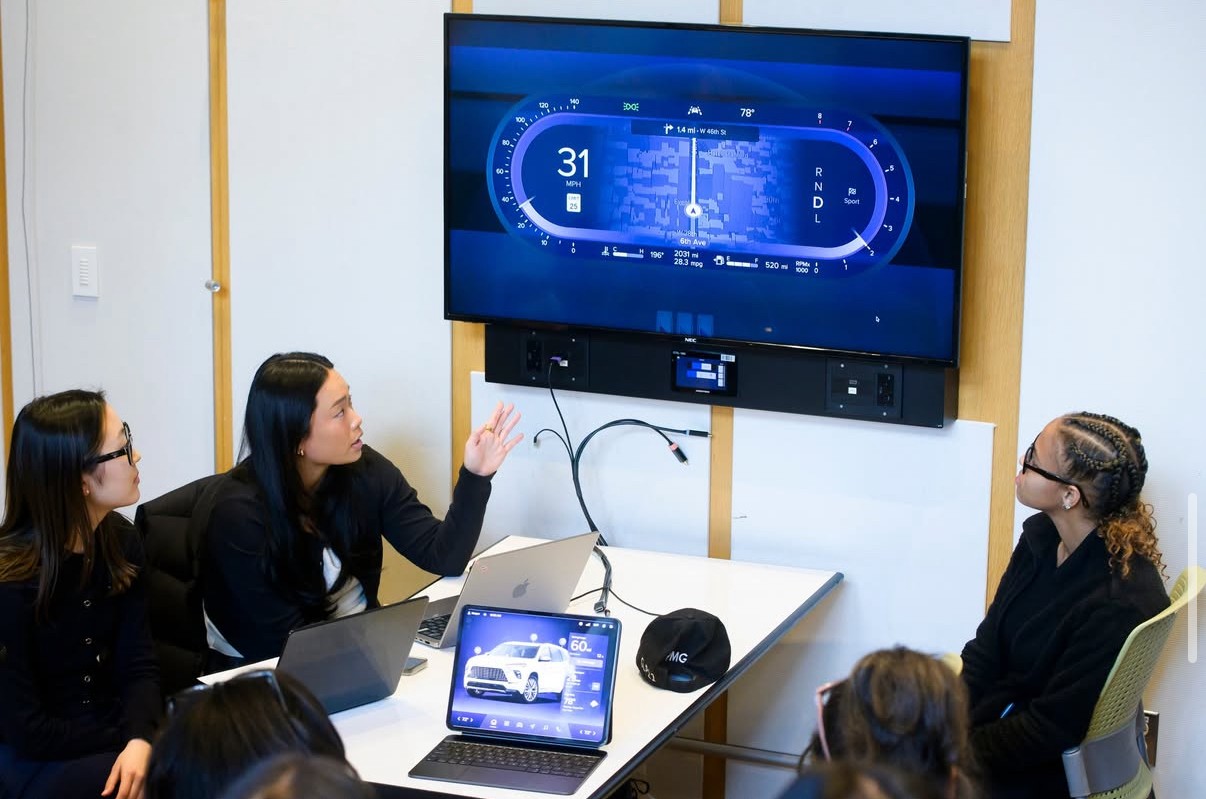
Usability Testing – Testing key features with users on iPads.
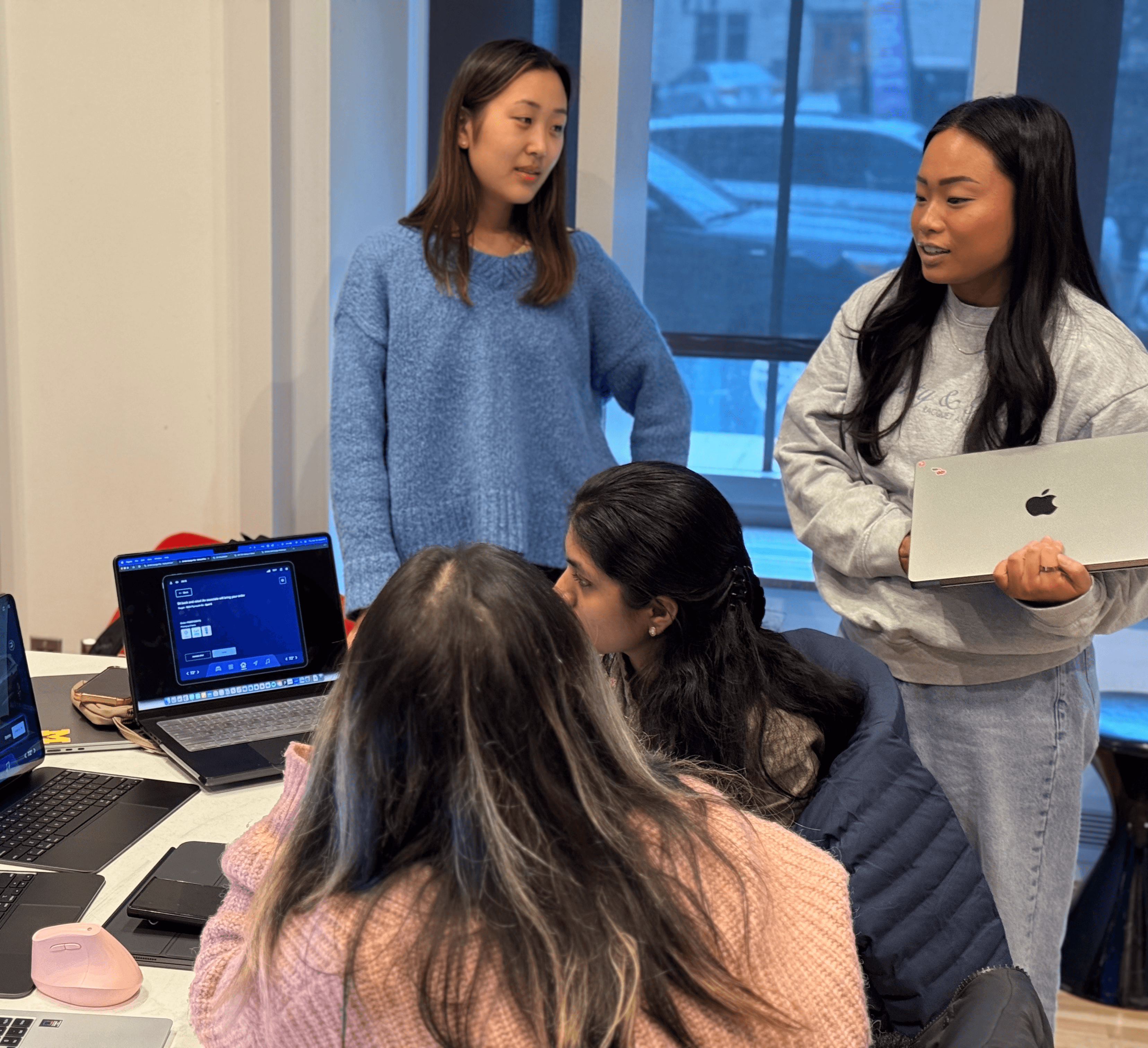
Learning Through Observation – Gathering insight through real-time feedback.

V1: Analog Gauges
Familiar and intuitive for most drivers
Provides a sense of motion through moving needles
Information overload is potentially distracting
V2: Digital Readout
Minimal and modern look feels clean and up-to-date
Reduces information overload with less information
Less flexibility for custom layouts or layered information
V3: Hybrid Design
Customizable center area depending on driver needs
Glanceable information architecture
Aesthetic balance that feels both premium and intuitive

V1: Basic Layout
Separation between app selector and climate controls
Touch targets are too small, making selection difficult
App icons split, right side requires uncomfortable reach
V2: Color-Based Indicator
Clear separation between apps and climate controls
Larger touch targets to reduce mis-taps
Climate controls indicator is too subtle
V3: Highlighted Control
Large visual indicator for climate controls
Improved glanceability to help driver process information
Expanded app selector to include phone access
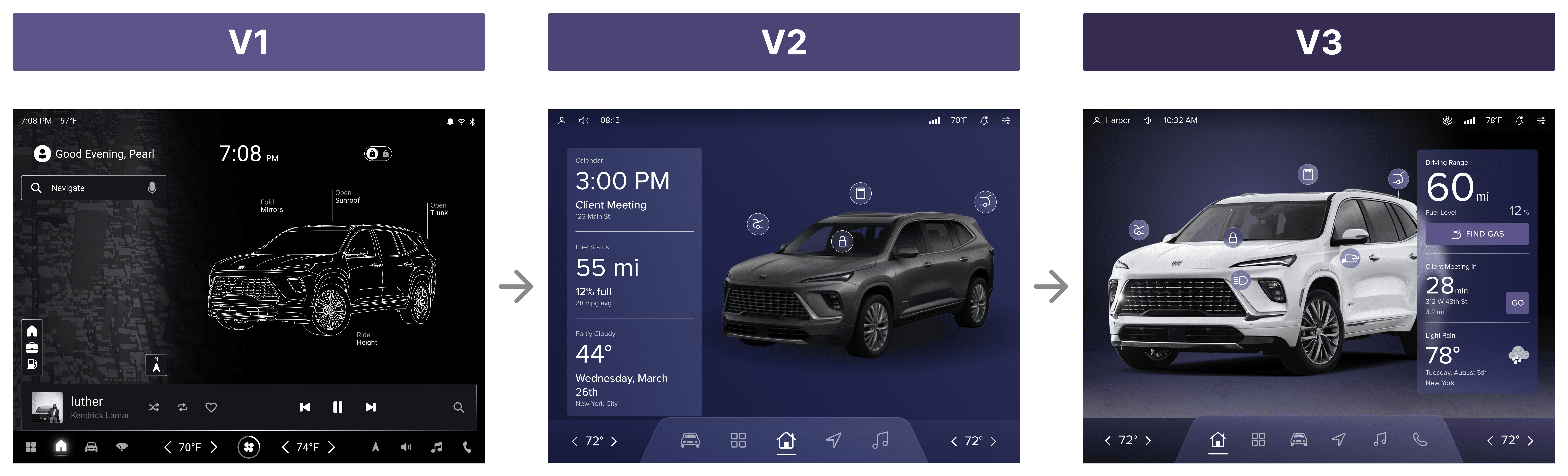
V1: Split-Screen Layout
Allows for parallel interactions with multiple views
Visually overwhelming, especially on startup
Increases cognitive load and distraction risk while driving
V2: Single-Screen Layout
Welcoming and digestible at a glance
Increased salience of core vehicle interaction buttons
May feel less dynamic or interactive
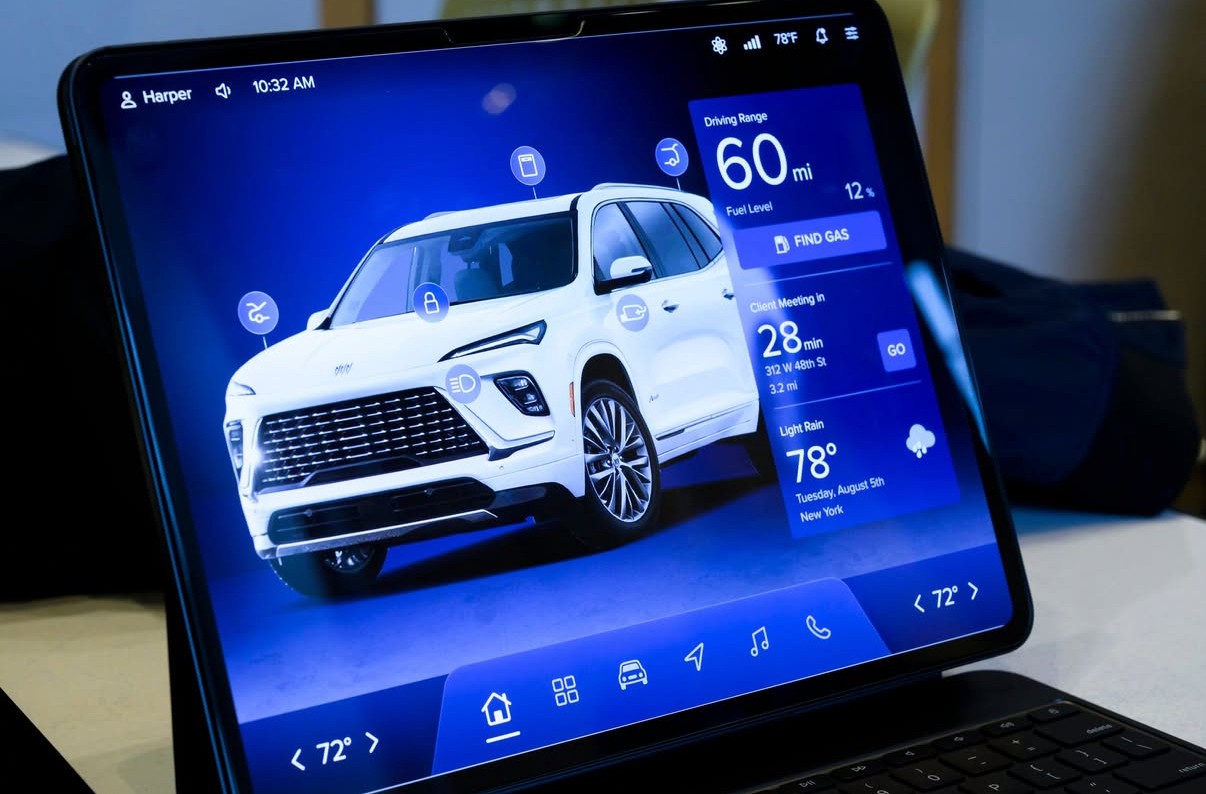
V3: Quick Action Buttons
Encourages context-aware behavior (e.g., find gas)
Prioritizes essential information without clutter
Reinforces the car as the core of the experience
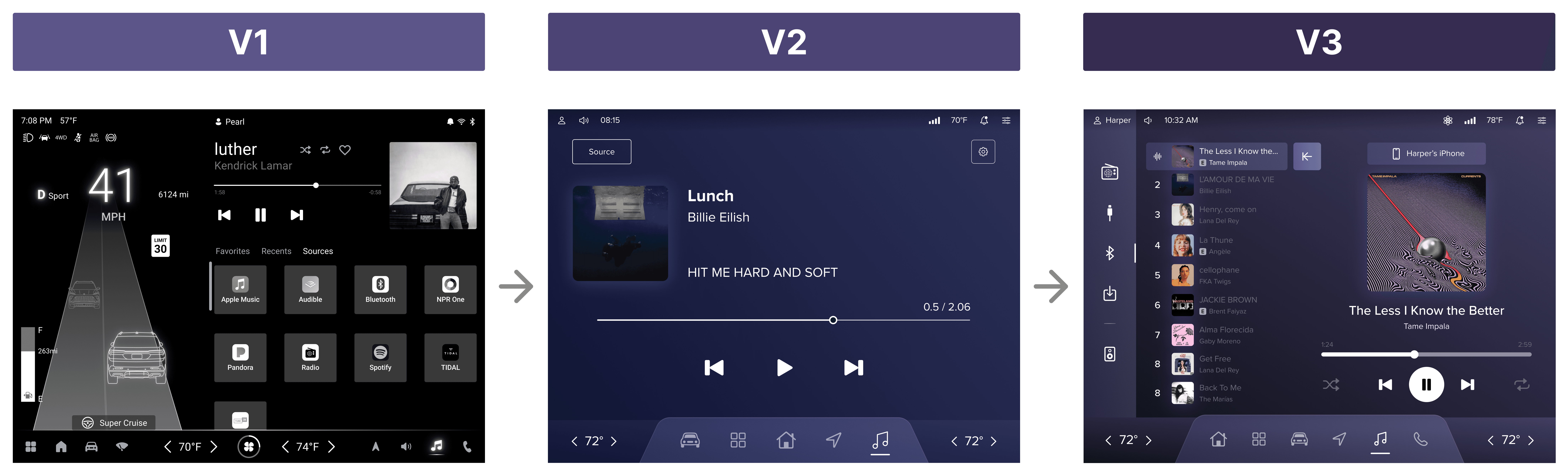
V1: Split-Screen Layout
Allows simultaneous access to music and other features
Cramped layout makes touch targets smaller
Music controls may feel secondary
V2: Simplified View
Enhances focus on the current media experience
Makes core controls easier to reach
Lacks context on current source or next song
V3: Playlist Enhancements
One-click source switching reduces friction
Collapsible playlist view gives users more control
Aligns with familiarity of streaming apps
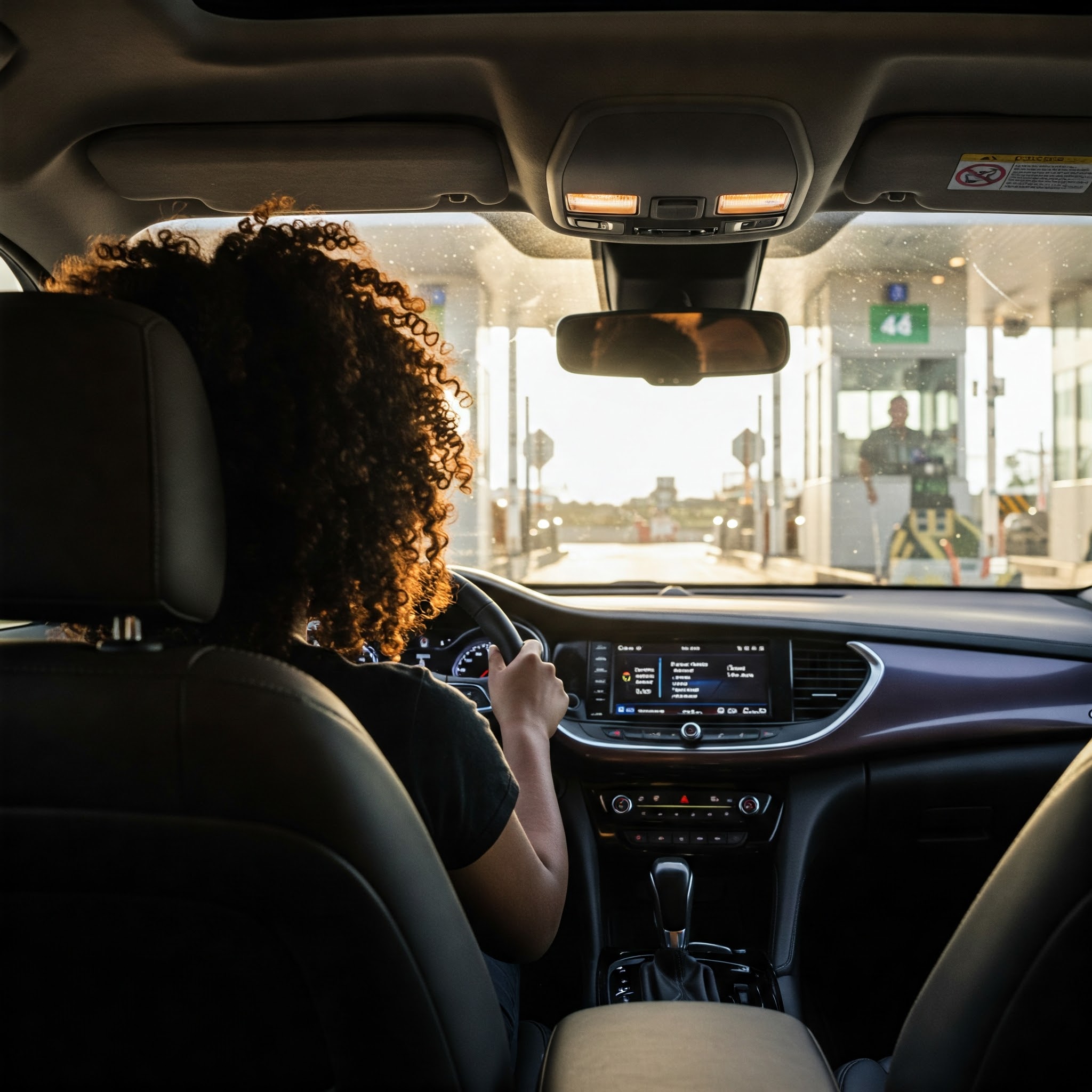
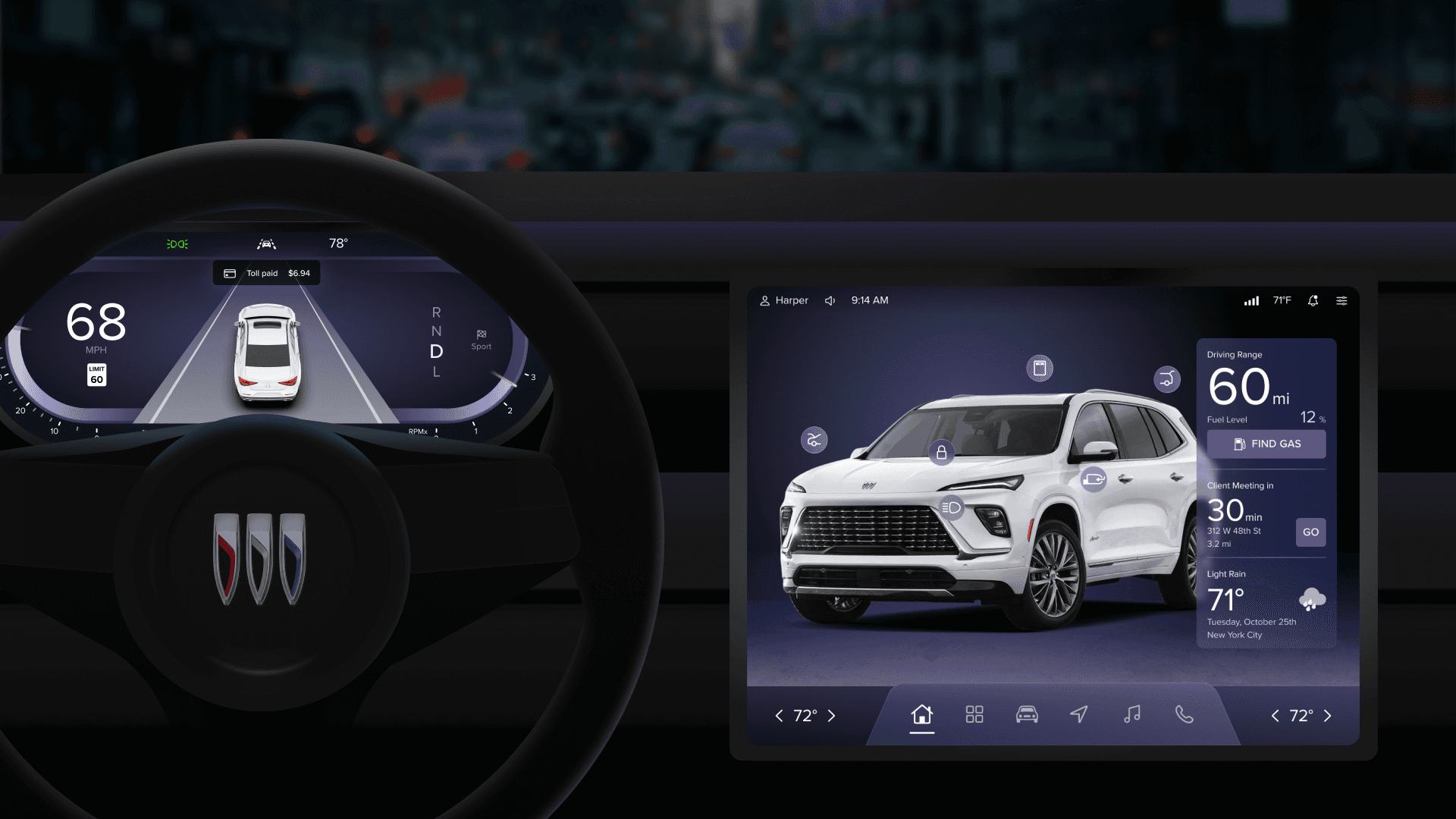
Toll Booth – Harper breezes through as tolls auto-charge, no transponder needed, no slowing down.

Drive-Thru Stop – She orders from the center display and pays before reaching the window.
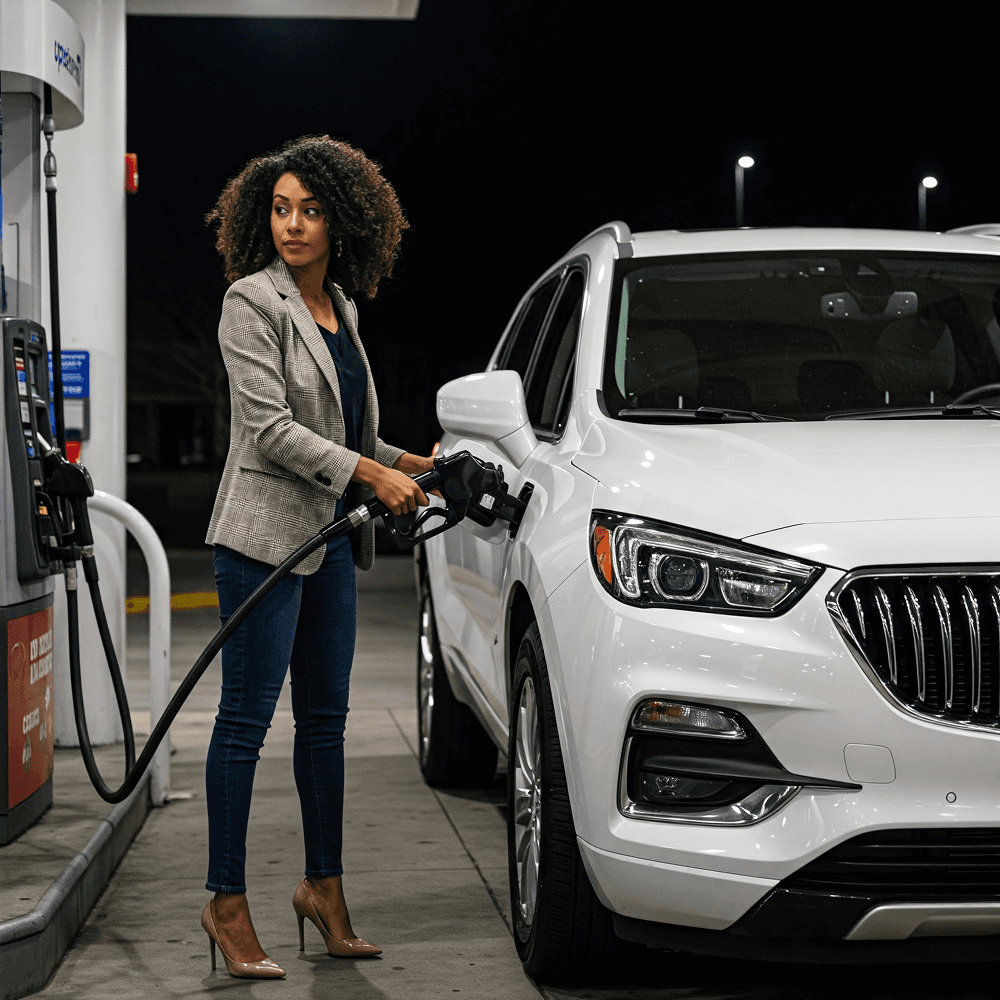
Fuel Up – She stops for gas, pumps and pays, no tapping, swiping, or screen unlocking required.